Orange booth
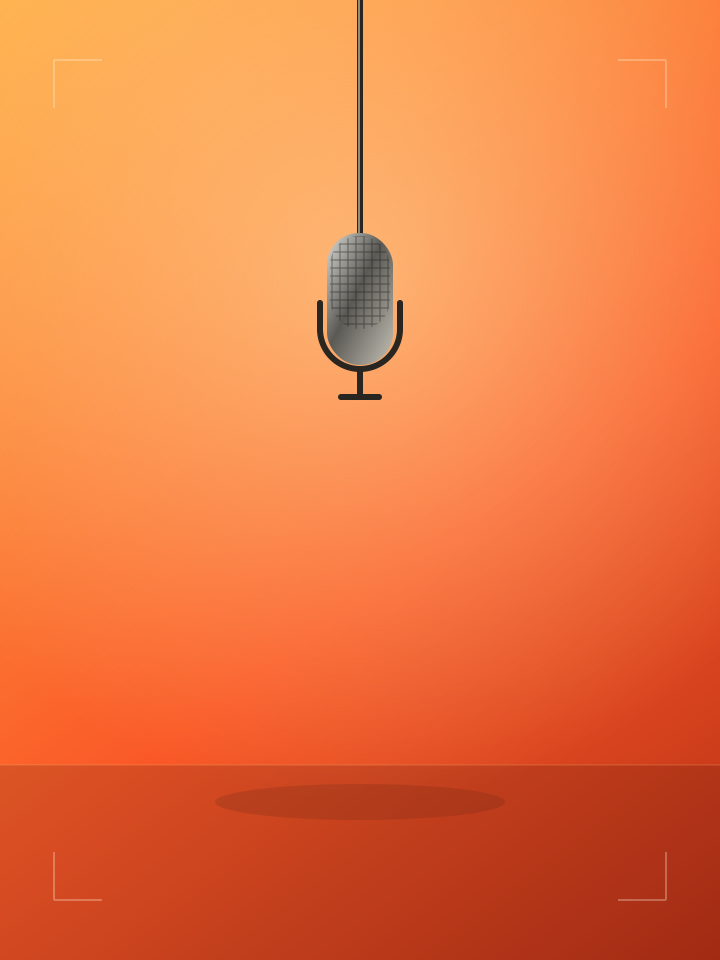
A bold backdrop and hanging microphone for a stripped-back performance.
Your face. Your stage. Your rap.
Make your photos rap with our AI rap video generator. Go solo or bring a friend, choose a stage, and add your topic.
Your face. Your stage.
Original AI vocals + beat
One mic.
All eyes on you.
Stage illustration · Your video will appear here
No song upload needed. AI creates a short rap performance with sound. Faces, lyrics and motion can vary; review your video before sharing.
Couple energy
Two faces. One shared moment.
Best friends
Bring your favorite hype partner.
Family legends
Give the family group chat a show.
Studio session
A little attitude. A whole new stage.
Style references from RapReel. These clips are not generated by Ecdesign AI.
A familiar face. An unexpected performance.
An AI rap video can turn a birthday, an inside joke, or a Friday night into a moment worth sharing. Explore a few different looks, then bring your own photos and a topic to the AI rap video generator.
Find your stageDuo spotlight
An additional reference clip. This video has no audio track.
Share the mic
A photo-to-rap style reference from RapReel.
External style inspiration · RapReel
AI Rap Video Generator
Create an AI rap video from an idea. You don’t need a finished track, recording equipment, or editing software.
Upload a clear portrait for a solo performance, or add a second photo to make a rap duo.
Choose a stage and an optional topic. Try a birthday shout-out, your group chat, or a victory lap.
Review the credit cost, then generate a short performance with AI vocals and a beat. Preview and download the result.
Pick your energy
Create a birthday rap, give your group chat a soundtrack, or turn a small win into a performance. The scene sets the visual direction; your topic makes it personal.
Choose a sceneA bold backdrop and hanging microphone for a stripped-back performance.
A studio session with moody lighting and behind-the-mic energy.
A skyline setting for a celebration or a main-character moment.
An urban setting for a solo freestyle or a two-person exchange.
This photo-to-rap tool generates vocals and a beat along with the video. Add an optional topic to guide the performance, instead of preparing and uploading a song.
The voice is AI-generated and does not reproduce the person’s real voice. Words, face details, and mouth movements can vary. Think of each result as a new creative take, and check it before posting.
The scene previews in the generator are illustrations of the setting, not finished video samples.
An AI rap video turns a photo into a short, generated rap performance. Ecdesign AI uses your photos, chosen scene, and optional topic to guide the visuals, vocals, and beat in one video.
No. Add a topic if you have one, and AI generates the rap audio as part of the video. This version does not accept uploaded songs or provide exact synchronization to an existing track.
Choose Duo and upload a separate, clear photo for each person. The photos guide a shared performance. Face consistency, turn-taking, and lip movements can vary between generations.
No. A photo does not provide a voice sample. The video uses a generated voice; it does not clone the photographed person's real voice.
Choose a 5, 10, or 15-second clip. This version creates vertical 9:16 videos at 720p with an English rap performance, designed for short social posts.
Use a sharp, well-lit portrait with one clearly visible face per upload. Keep the face unobstructed and avoid extreme angles. Only upload photos you have permission to use.
Generation uses account credits. The tool displays the credit cost for your selected settings before you submit. Check the pricing page for available credit plans.
Your topic guides the performance, but AI may interpret or change wording. Lyrics, pronunciation, identity, and lip synchronization are not guaranteed. Review the sound and picture before sharing.
You can download the result for your social content. Make sure you have rights to the uploaded photos, review the generated content, and follow the destination platform's rules for AI content.
Keep creating